
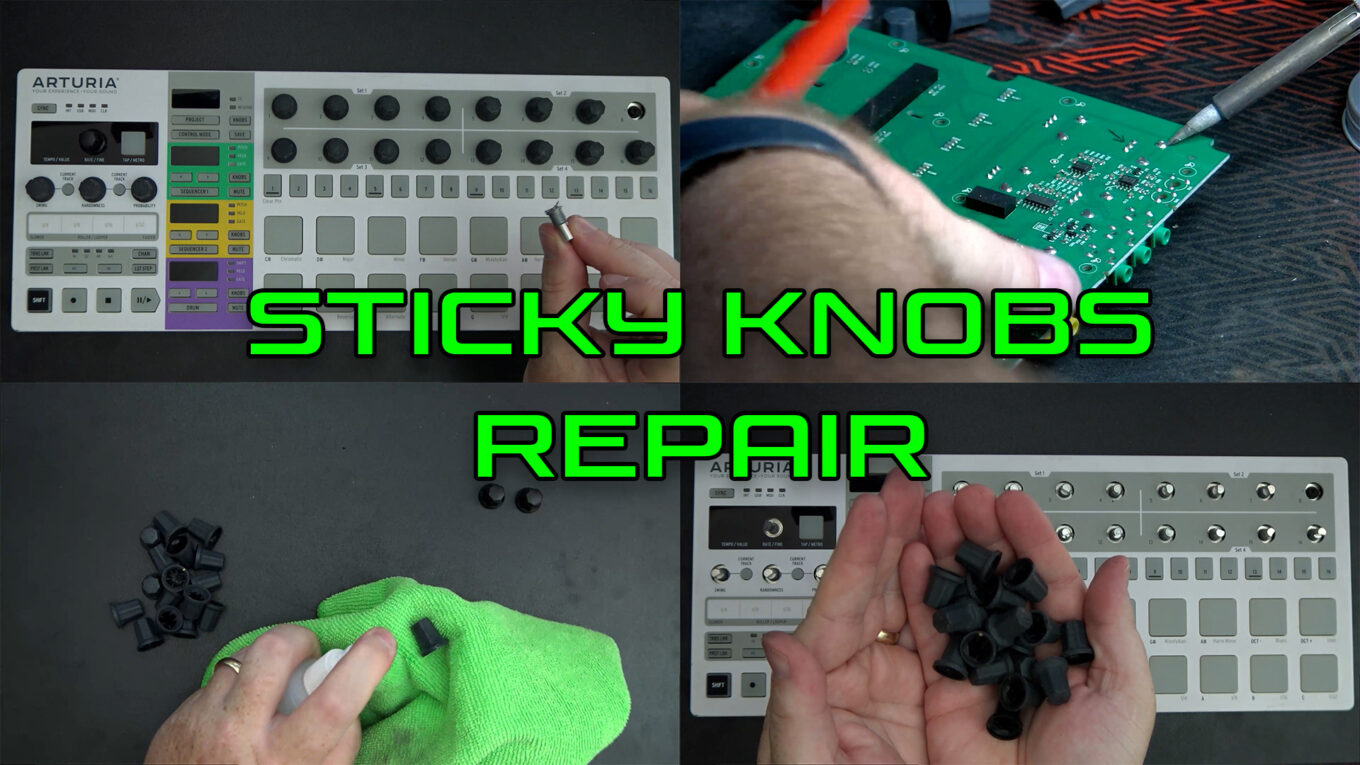
How to Remove Sticky Rubberized Coating from Synthesizers and Music Tech Gear
If you’ve owned vintage synthesizers, audio interfaces, or controllers from the early 2000s, you’ve probably encountered the dreaded sticky rubberized coating problem. Over time, the soft-touch paint used on knobs, buttons, and chassis can degrade into a gooey mess—making your once-premium device feel like it’s been dipped in syrup.
Luckily, there are safe and effective solutions to clean up that gunk and restore your gear to its former glory. In this article, we walk you through the best methods for removing sticky rubberized paint, with real-world demonstrations from our two videos:
🎥 Watch the follow-up deep clean
What Causes Rubberized Paint to Become Sticky?
Many manufacturers used a soft-touch rubberized paint finish for a more premium tactile feel. Unfortunately, under heat, humidity, UV exposure, and time, these coatings break down—becoming soft, sticky, and difficult to handle.
This is commonly seen on:
- Arturia, Roland and Korg gear
- Pre-2010 audio interfaces – like Zoom
- DJ controllers and fader caps
- MIDI controllers and remotes
What You’ll Need:
To follow along with the cleaning methods shown in the videos, gather the following:
- Isopropyl alcohol (70–99%) – great for dissolving the outer sticky layer
- Microfiber cloths – gentle on plastics and ideal for wiping residues
- Cotton pads or makeup remover pads – for focused scrubbing
- Soft plastic scraper or credit card – to lift stubborn layers
- Gloves – to protect your hands from prolonged chemical exposure
- Optional: WD-40, Goo Gone, or Simple Green (test first!)
Method 1: Alcohol Scrub (Video Demo Part 1)
📺 Watch: How to Clean Sticky Rubber Coating
Steps:
- Put on gloves and apply isopropyl alcohol to a cotton pad.
- Gently scrub the sticky area using a circular motion.
- Use a microfiber cloth to buff the surface and remove loosened residue.
- Repeat until the surface feels dry and smooth.
✅ Works best for: Light-to-medium stickiness
⚠️ Caution: Avoid soaking labels or screens; alcohol can cause damage if overused.
Method 2: Deep Clean & Restoration (Video Demo Part 2)
📺 Watch: Deep Clean Synth Sticky Rubber Finish
For more severe degradation:
- Use a plastic scraper to carefully lift layers of melted paint.
- Combine alcohol with gentle scraping for hard-wearing rubber buttons.
- In some cases, using a degreaser or WD-40 may speed up the process—always spot-test first.
✅ Works best for: Heavily degraded or sticky surfaces
⚠️ Tip: Finish off with a damp microfiber cloth and a light polish.
Pro Tips:
- Never use acetone or strong solvents—they can melt plastics and damage finishes.
- If possible, disassemble the device to isolate and clean affected parts.
- Ventilation is key—always work in a well-aired space.
Before & After:
Your synth doesn’t have to stay sticky. These cleaning methods can restore usability, aesthetics, and resale value—without the need for costly replacements.
Check out the transformation in the videos to see just how effective these simple techniques can be.
Have You Tried This Yourself?
Drop a comment below or share your results! If you’ve got other tricks for dealing with sticky gear, let us know.
🧽 Happy cleaning—and may your synths stay silky, not sticky!